
● Console settings · Product
Sending limits
the numbers the server enforces.
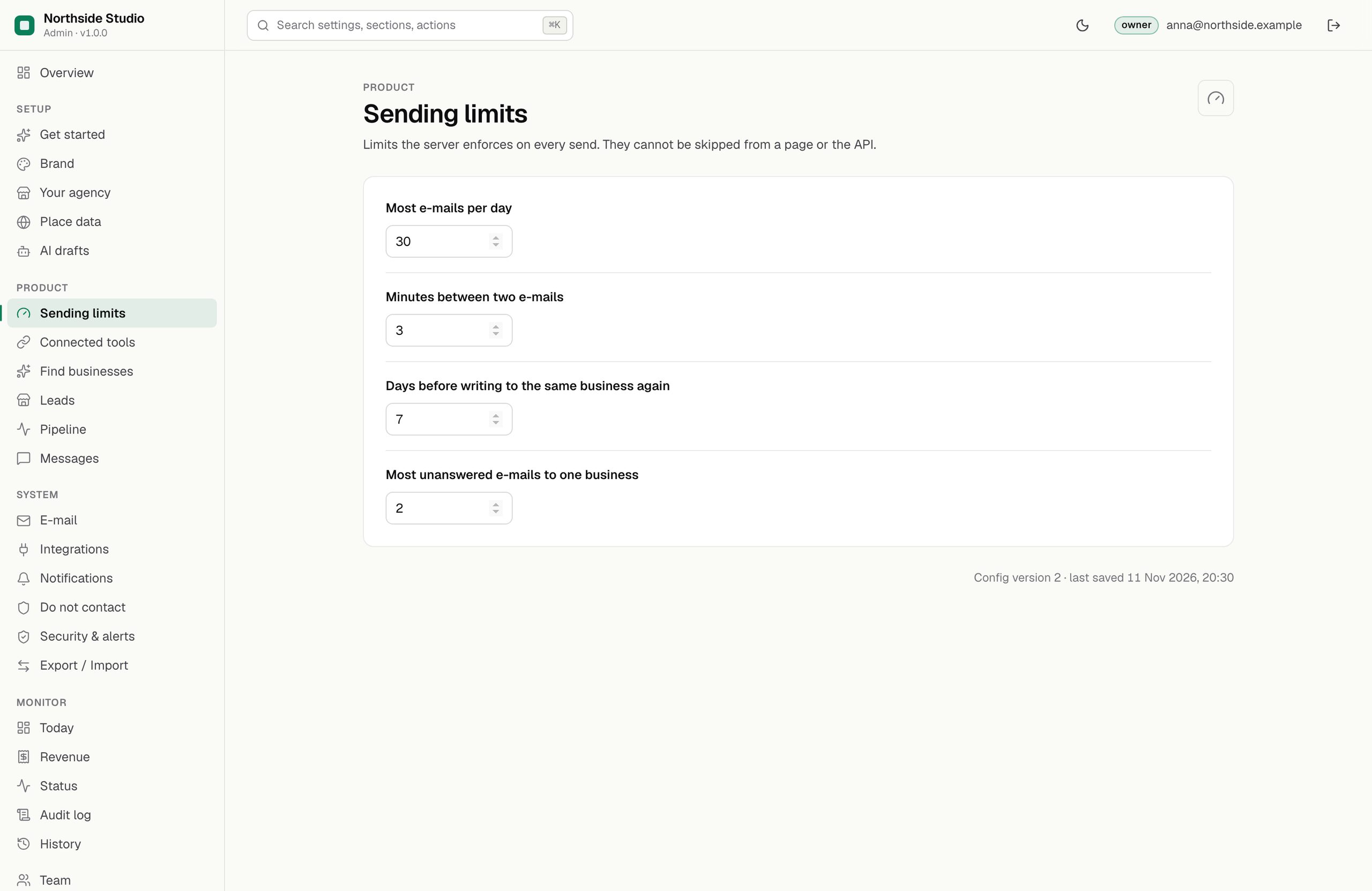
Four numbers decide how often e-mail may go out. The server checks them on every send, whoever presses the button and however the request arrives; they cannot be skipped from a page or the API. A value outside its range is held at the nearest allowed value, so a typo never switches a rule off.
01Fields
| Field | Default | Range | What it does |
|---|---|---|---|
| Most e-mails per day | 30 | 1–200 | How many e-mails may go out in any 24 hours, counted back from now. Rule DAILY_LIMIT. |
| Minutes between two e-mails | 3 | 1–120 | The shortest gap after the last e-mail sent. Rule GAP. |
| Days before writing to the same business again | 7 | 1–90 | Waiting time per business. It counts the lead and also the address, so the same business found twice is still covered. Rule TOO_SOON_FOR_LEAD. |
| Most unanswered e-mails to one business | 2 | 1–5 | How many e-mails a business may get while its lead is still New, Qualified or Contacted. Move it to Replied once it answers. Rule MAX_UNANSWERED. |
02Example
{
  "outreach.dailyLimit": 30,
  "outreach.gapMinutes": 3,
  "outreach.perLeadDays": 7,
  "outreach.maxPerLead": 2
}03What counts
- Every e-mail with the state Sent: sent through Resend, or recorded with I sent it myself.
- Call scripts do not count; they are calls, not e-mails.
- The Messages page shows "N of 30 e-mails in the last 24 hours".
All rules, in the order the server checks them: Send rules.