
Demo mode
a read-only console with labelled samples.
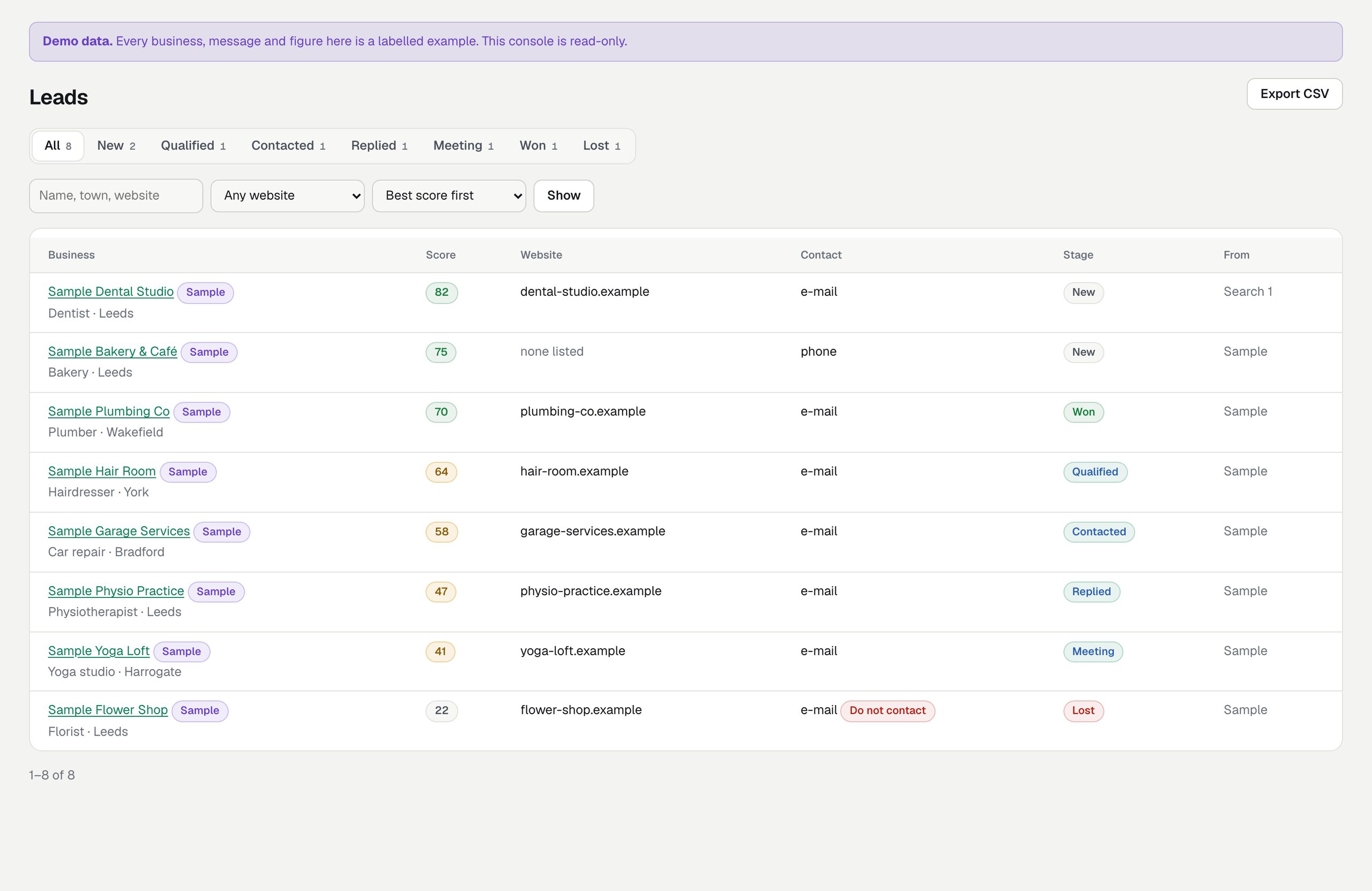
Demo mode is for showing the console to someone without giving them your data: it fills a separate installation with eight made-up businesses and refuses every change. Use it only on a separate demo server, never on the one you work with.
01What it shows
DEMO_MODE=1 adds eight fictional businesses, each named "Sample …" (Sample Dental Studio, Sample Bakery & Café, Sample Hair Room and others) on reserved .example domains, spread over every stage, with sample website checks, a note, a task, one finished search, a report link and a template draft for the dental studio, one e-mail recorded as sent, and one address on the do-not-contact list as unsubscribed. No deal values are seeded. Every sample is labelled Sample, every page carries a Demo data banner ("Every business, message and figure here is a labelled example. This console is read-only.") and a sample's report page says "Example. This business is fictional and the findings are sample data." Nothing in it is a real company, a real result or a real message.
02Run it
- Use a separate installation with its own
datafolder. - Set in its
.env:
DEMO_MODE=1
ADMIN_DEMO_PASSWORD=choose-a-demo-password
ADMIN_DEMO_EMAIL=demo@leadlantern.example     # optional; this is the default
ADMIN_DEMO_NOTICE= # optional: your own banner text- Start it and sign in with the demo e-mail and password. The account is created with the Viewer role and re-checked on every start; the sign-in screen shows the demo notice.
03What is refused
Every change: settings, searches ("Searches are switched off in this read-only demo"), website checks, drafts, sending, notes, stage changes, the do-not-contact list. Unsubscribe links answer "Nothing was changed" and no e-mail is sent. The hourly Google clean-up does not run.
Remove DEMO_MODE and ADMIN_DEMO_PASSWORD from your working .env. Either one makes the console read-only. If every change says "Read-only demo", one of them is still set.