
Security & alerts
two-factor, sessions and alert rules.
This page protects the console itself: a second sign-in step for your account, the list of places you are signed in, a rule that makes the second step required for owners and managers, and the alert rules that use the webhook from Notifications.
01Your two-factor authentication
- Open Security & alerts and press Set up two-factor.
- Scan the code with an authenticator app on your phone.
- Type the six-digit code the app shows to confirm.
- Keep the recovery codes somewhere safe. Each works once if you lose the phone.
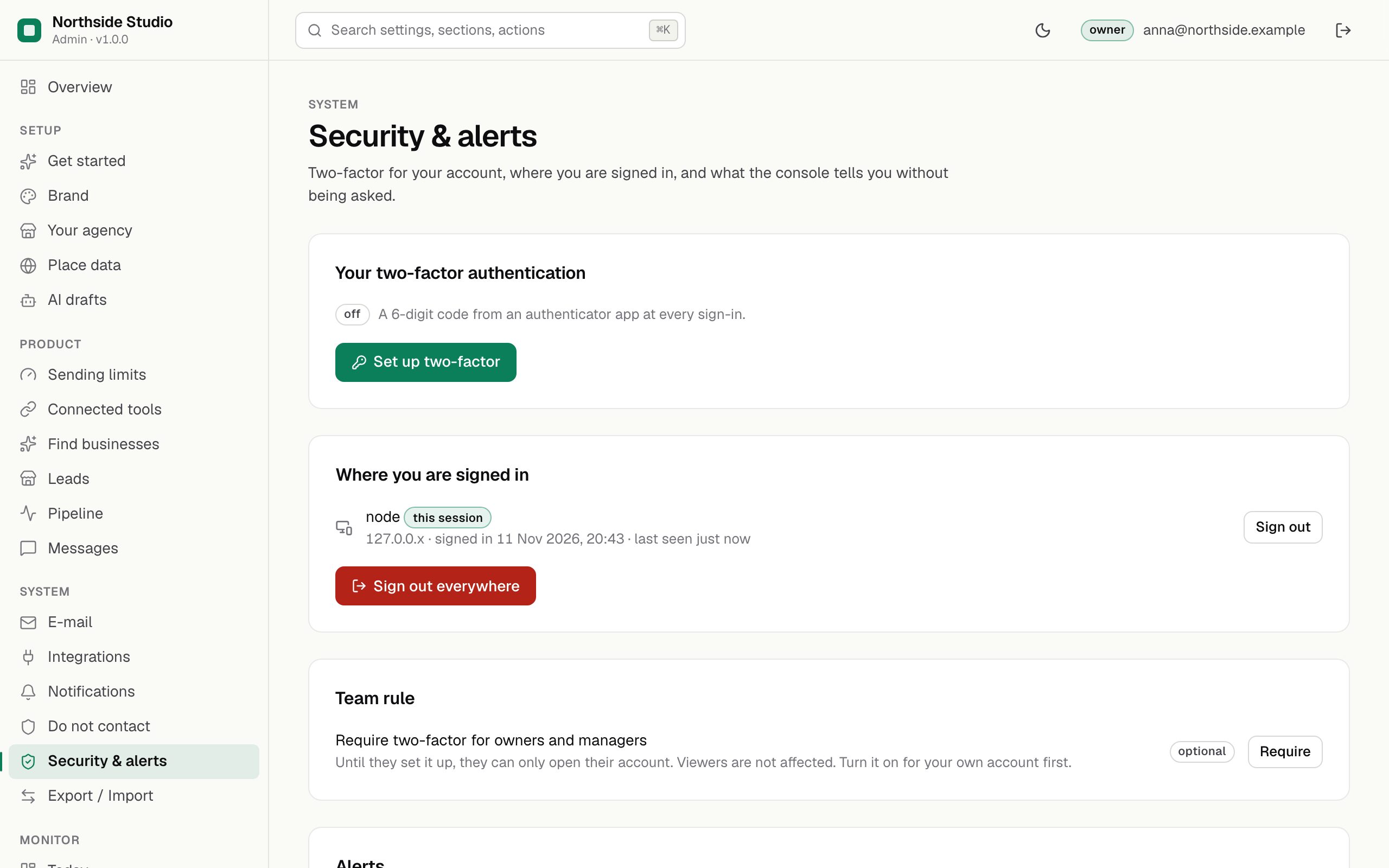
02Where you are signed in
Every browser where your account is signed in, with when it was last used. Sign out one, or Sign out everywhere, if you used a shared computer.
03Team rule
Require two-factor for owners and managers (owner only). Until they set it up, they can only open their account page. Viewers are not affected. Turn it on for your own account first. The change is audited.
04Alerts
Alerts go as signed JSON to the webhook in Notifications; no e-mail is sent.
| Rule | What it does |
|---|---|
| When a blocker check starts failing | One alert when a blocker on the Status page starts failing (in Leadlantern: Public URL is https), and none again until it has passed and fails once more. |
| When net revenue is zero for this many whole days | Leave it at 0. Leadlantern takes no payments, so it reports no revenue and this rule never fires. |
Send test alert (owner, once the webhook URL and signing secret are set) delivers a test message and shows "Delivered" or "Not delivered" with the reason.