
AI drafts
first messages written by your own model.
Optional. Without an AI key, Leadlantern writes every first message from a built-in template using the reasons of the score. With a key, a language model writes the middle of the message from the same facts. Either way a person reads, changes and sends it.
01Fields
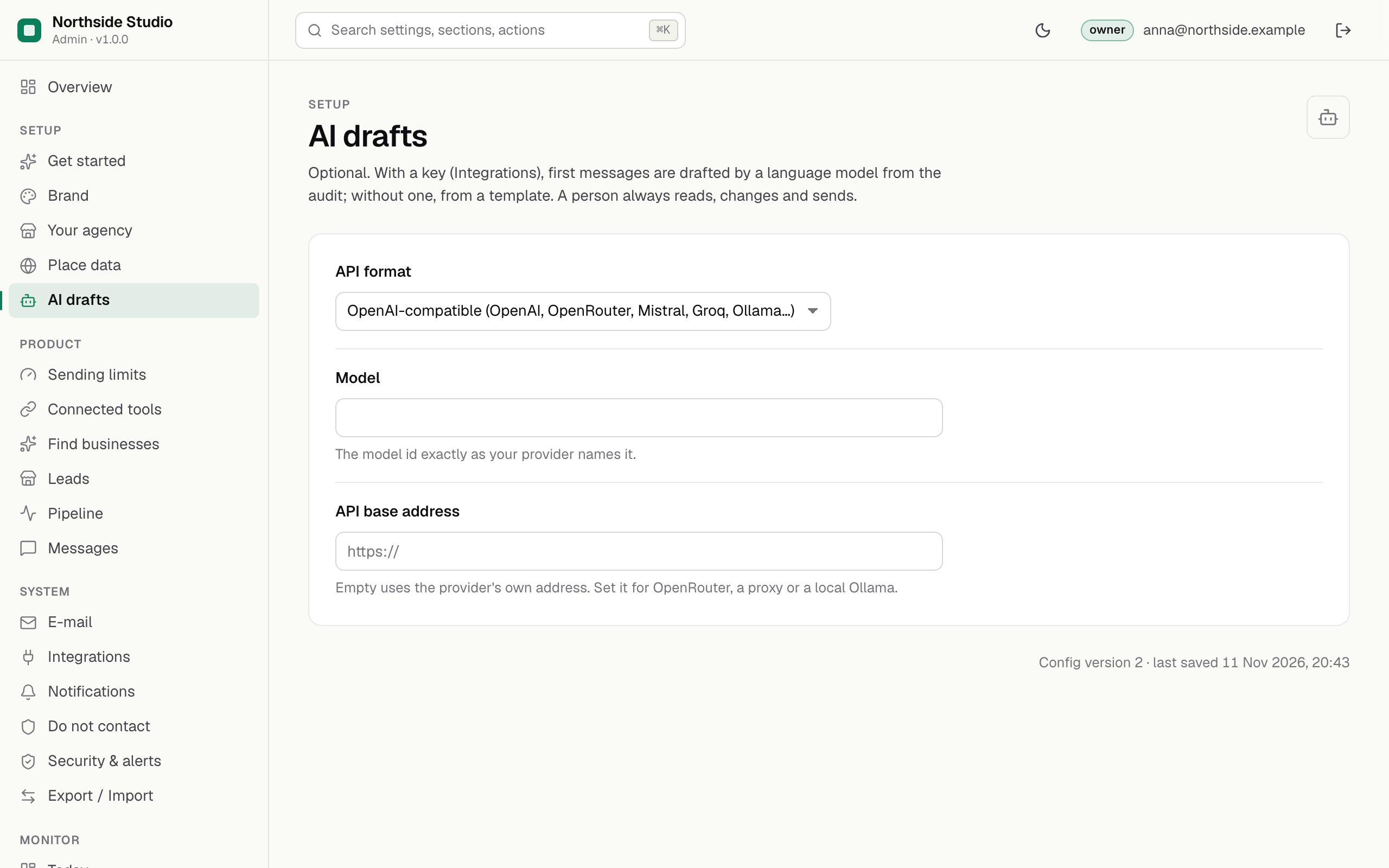
| Field | Default | What it does |
|---|---|---|
| API format owner | OpenAI-compatible | OpenAI-compatible covers OpenAI, OpenRouter, Mistral, Groq, a local Ollama and other services that speak the same chat-completions format. Anthropic uses Anthropic's own messages format. |
| Model owner | empty | The model id exactly as your provider names it. Without a model, drafts come from the template even when a key is set. |
| API base address owner | empty | Empty uses the provider's own address (https://api.openai.com/v1 or https://api.anthropic.com). Set it for OpenRouter, a proxy or a local Ollama. |
The key itself goes under Integrations → AI API key.
02Example
{
  "ai.provider": "openai",
  "ai.model": "the-model-id-from-your-provider",
  "ai.baseUrl": ""
}
ai.provider is openai or anthropic.
03Get a key
In plain words: a language model is an AI service that writes text. Leadlantern can ask one to write the middle of each first message. You choose the provider; the provider bills you for each request (one request per draft, up to 1,500 output tokens), and its key goes into Leadlantern. Without a key nothing breaks: drafts come from the built-in template.
| Provider | API format | Model | API base address |
|---|---|---|---|
| OpenAI | OpenAI-compatible | A model id from OpenAI's model list | empty |
| Anthropic | Anthropic | A model id from Anthropic's model list | empty |
| OpenRouter | OpenAI-compatible | A model slug from openrouter.ai/models, written provider/model | https://openrouter.ai/api/v1 |
| Ollama (your own machine) | OpenAI-compatible | A model you pulled, as ollama list names it | http://localhost:11434/v1 |
04OpenAI
- Sign in to the OpenAI Platform at platform.openai.com.
- Add credit under billing (platform.openai.com/account/billing/overview). OpenAI bills each request against it.
- Open the API keys page (platform.openai.com/api-keys) and create a new secret key. Give it a name such as Leadlantern.
- Copy the key and keep it somewhere safe; treat it like a password.
- Pick a model from the model list in OpenAI's documentation and copy its id exactly.
05Anthropic
- Create a Claude Console account, or sign in to the one you have, at platform.claude.com.
- Open Settings → API keys (platform.claude.com/settings/keys) and create an API key.
- Copy the key. Anthropic bills its use to your Console account.
- Pick a model from the models overview in Anthropic's documentation and copy its id exactly.
- In Leadlantern choose the API format Anthropic and leave the base address empty.
06OpenRouter
OpenRouter gives one key for models of many providers and bills your OpenRouter credit.
- Sign in at openrouter.ai.
- Open the API keys page (openrouter.ai/keys) and create a key. Give it a name and choose a credit limit (or no limit). A key that has used its credit limit is refused until you raise the limit.
- Copy the key. It starts with
sk-or-v1-. - Pick a model at openrouter.ai/models and copy its slug.
- In Leadlantern choose OpenAI-compatible and set the API base address to
https://openrouter.ai/api/v1.
07Ollama on your own machine
Ollama runs open models on a computer you control, so no provider bills you; the machine must be strong enough for the model. It must be reachable from the server that runs Leadlantern: localhost means the Leadlantern server itself.
- Install Ollama on the machine and pull a model (
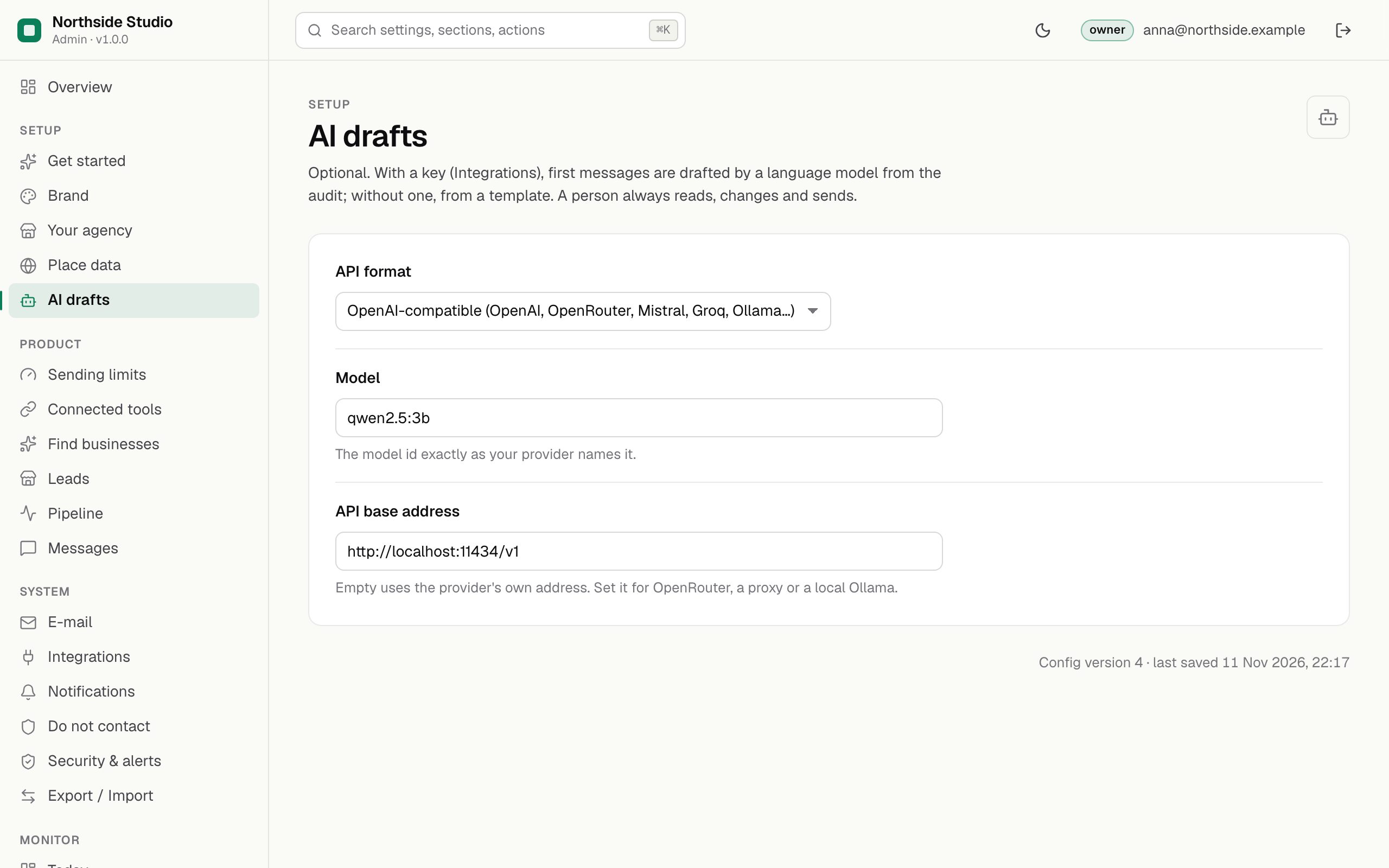
ollama pull <model>). - In Leadlantern choose OpenAI-compatible, type the model name as
ollama listshows it, and set the base address tohttp://localhost:11434/v1(or the address of the machine that runs Ollama). - Key: Ollama ignores it, but Leadlantern needs one to switch AI drafts on. Type any word, for example
ollama.
The settings for a local Ollama look like this:
08Paste it into Leadlantern
- Settings → AI drafts (
/admin#/s/ai): pick the API format, type the model id, and the base address if the table above says so. Save. - Settings → Integrations → AI API key: press Set, paste the key, save.
- Press Test connection. Leadlantern sends one short request to the model.
- Status now shows AI drafts: "drafts by <model>".
A successful test names the model that answered:
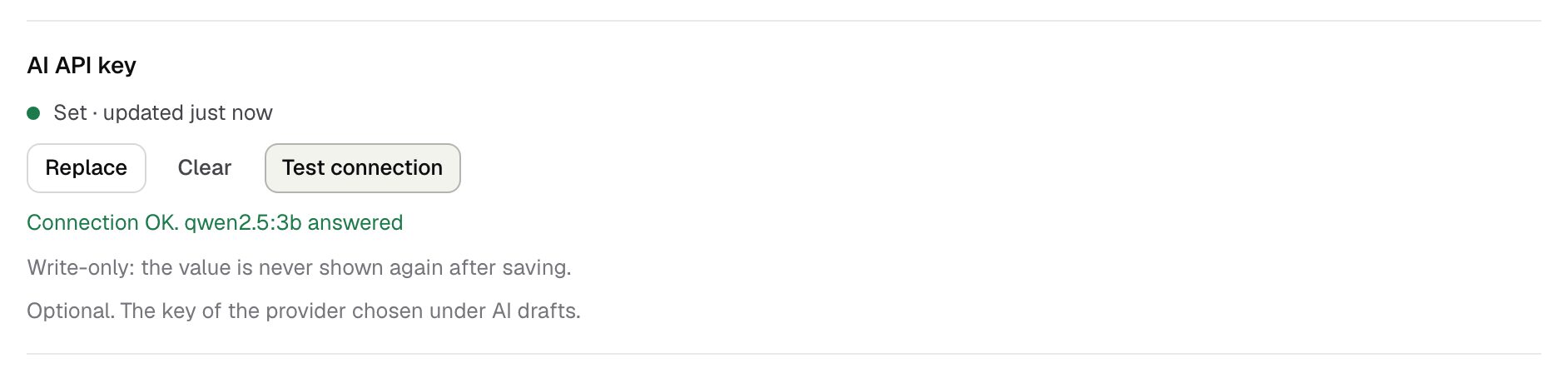
If it fails, the red line says why: no model set yet, a refused key (HTTP 401/403), an unknown model or address (HTTP 404), a spending limit reached (HTTP 429), or no answer within 30 seconds (Troubleshooting).
09What the model is told and what is checked
- The model gets only facts: your name and service, the business name, type, town, website host, the reasons of its score and what the website check found. It gets no e-mail address and no score.
- It is told to promise nothing, to claim no relationship, to write plain English under 120 words, and to write no sign-off, address or unsubscribe text.
- The answer is thrown away, and the template used instead, when it is in the wrong format, when its subject looks like a reply ("Re:"), when it promises a result, when it is too long, or when it contains a link to another site or an e-mail address. The lead's history then says why.
- The report link and your sign-off are added by Leadlantern, never by the model. The legal footer is added only when the message is sent.
Each draft is one request with up to 1,500 output tokens and a 30-second time limit. A message written by the model is marked AI draft in the lists.