
First start
the setup code and the owner account.
The first time Leadlantern starts it has no accounts. It prints a one-time setup code in the server's messages; whoever types that code first becomes the owner. This page explains how to do that safely.
01The setup code
On the first start the server's messages show a block like this (the code itself is different every time):
[admin] No owner account yet. Open /admin and create it with this one-time setup code:

    XXXX-XXXX-XXXX-XXXX

[admin] The code is shown once, here only. Each start before the owner exists adds a new code; any printed code works until the owner is created.
With pnpm start the messages appear in the terminal. With systemd read them with journalctl -u leadlantern -n 50.
02Create the owner
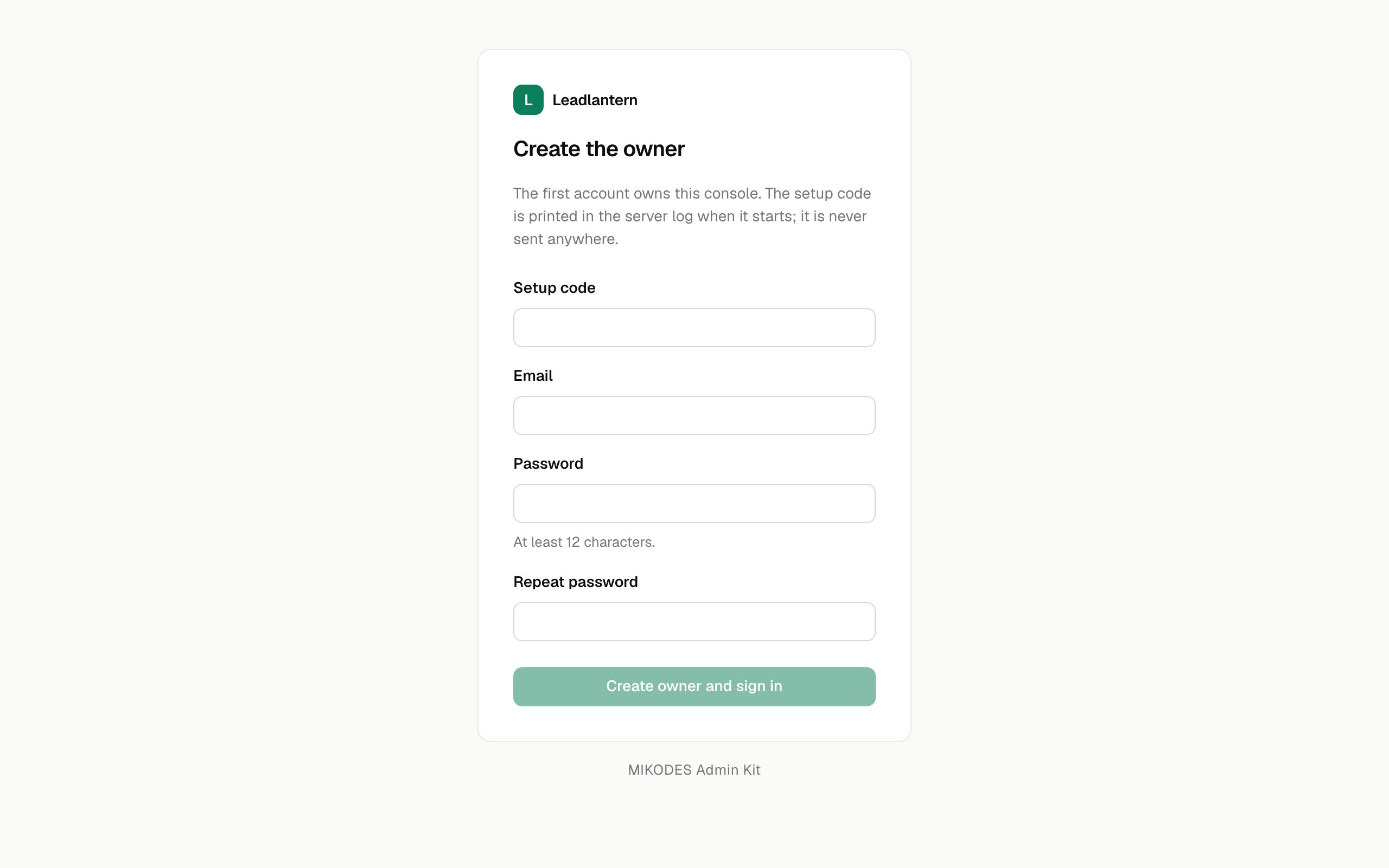
- Open
/adminon your server (through the ssh tunnel:http://localhost:8080/admin). - Type the setup code. Capitals, spaces and dashes do not matter.
- Type your e-mail and a password of at least 12 characters, twice.
- Press Create owner and sign in. You are signed in as the owner, the code stops working and the server writes
owner … created; setup code consumed.
03Why create the owner before opening the port
Until an owner exists, anyone who can reach the server can open the setup form and try codes. The codes are long and random, but two things follow:
- Five wrong codes within 15 minutes pause the setup form for everyone, including you, until the 15 minutes are over. A stranger trying codes can keep you out for a while.
- Whoever enters a printed code first owns the installation.
So start with HOST=127.0.0.1, create the owner through an ssh tunnel (ssh -L 8080:127.0.0.1:8080 you@your-server), and only then put Caddy in front (Installation, step 3). Behind Caddy on the same server you can keep HOST=127.0.0.1 for good.
04Lost the setup code
Restart the server. Each start before the owner exists prints a new code, and every printed code works until the owner is created. With systemd: sudo systemctl restart leadlantern, then journalctl -u leadlantern -n 50.
05Right after
- Turn on two-factor sign-in for your account under Security & alerts (details).
- Open Get started and fill in the settings it asks for (The console).
- Invite your team under Team, each with the smallest role they need (Team and roles).