
The console
every section, in sidebar order.
Everything in Leadlantern is done in one place: the console at https://your-domain/admin. The left sidebar has settings sections (forms you fill in once) and work pages (the lists you use every day). This page is the map; each section has its own page after this one.
01The sidebar
The console address ends in #/s/… for a settings section and #/p/… for a work page, so you can bookmark any of them.
| Group | Item | Console path | Docs |
|---|---|---|---|
| Overview | /admin#/ | below | |
| Setup | Get started | /admin#/onboarding | below |
| Setup | Brand | /admin#/s/branding | Brand |
| Setup | Your agency | /admin#/s/leadlantern | Your agency |
| Setup | Place data | /admin#/s/places | Place data |
| Setup | AI drafts | /admin#/s/ai | AI drafts |
| Product | Sending limits | /admin#/s/outreach | Sending limits |
| Product | Connected tools | /admin#/s/family | Connected tools |
| Product | Find businesses | /admin#/p/search | Finding businesses |
| Product | Leads | /admin#/p/leads | Leads |
| Product | Pipeline | /admin#/p/pipeline | Pipeline |
| Product | Messages | /admin#/p/outreach | Writing and sending |
| System | /admin#/s/email | ||
| System | Integrations | /admin#/s/integrations | Integrations |
| System | Notifications | /admin#/s/notifications | Notifications |
| System | Do not contact | /admin#/p/suppression | Do not contact |
| System | Security & alerts | /admin#/security | Security & alerts |
| System | Export / Import | /admin#/transfer | Export / Import |
| Monitor | Today | /admin#/p/today | Today |
| Monitor | Revenue, Status, Audit log, History | /admin#/revenue, #/status, #/audit, #/history | Status and audit |
| Team | /admin#/team | Team and roles |
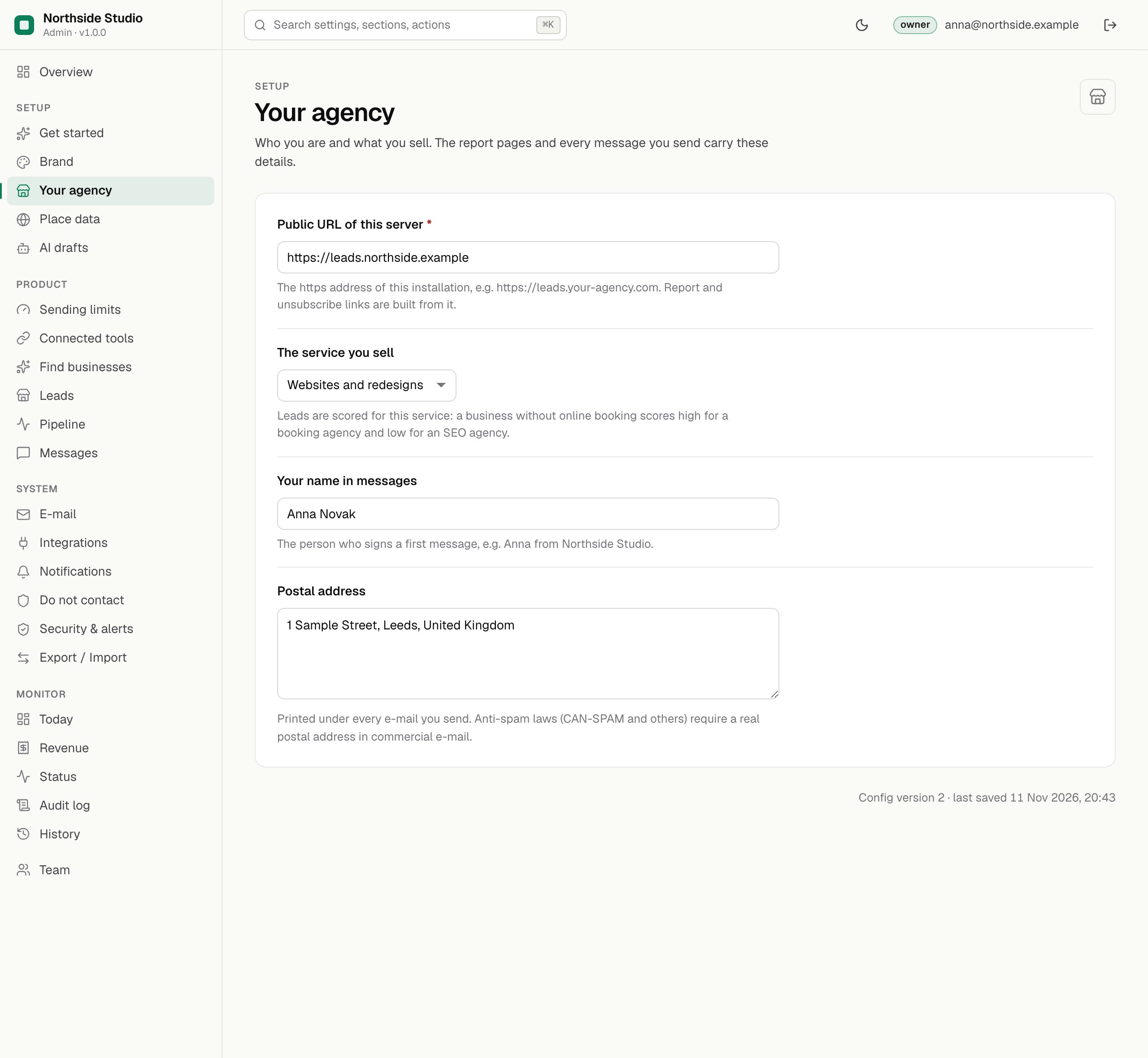
02How settings are saved
- Change a field. The section shows that it has unsaved changes.
- Press Save. The server checks every value (for example that a number is inside its range) and stores it. The change is written to the audit log with your name.
- Done. No restart is needed; the next search, check or message uses the new value.
A field set by an environment variable in .env (for example PUBLIC_URL or a key) is locked in the console and says so. Change it in .env and restart. Some fields are marked owner-only; managers see them but cannot change them.
03Overview
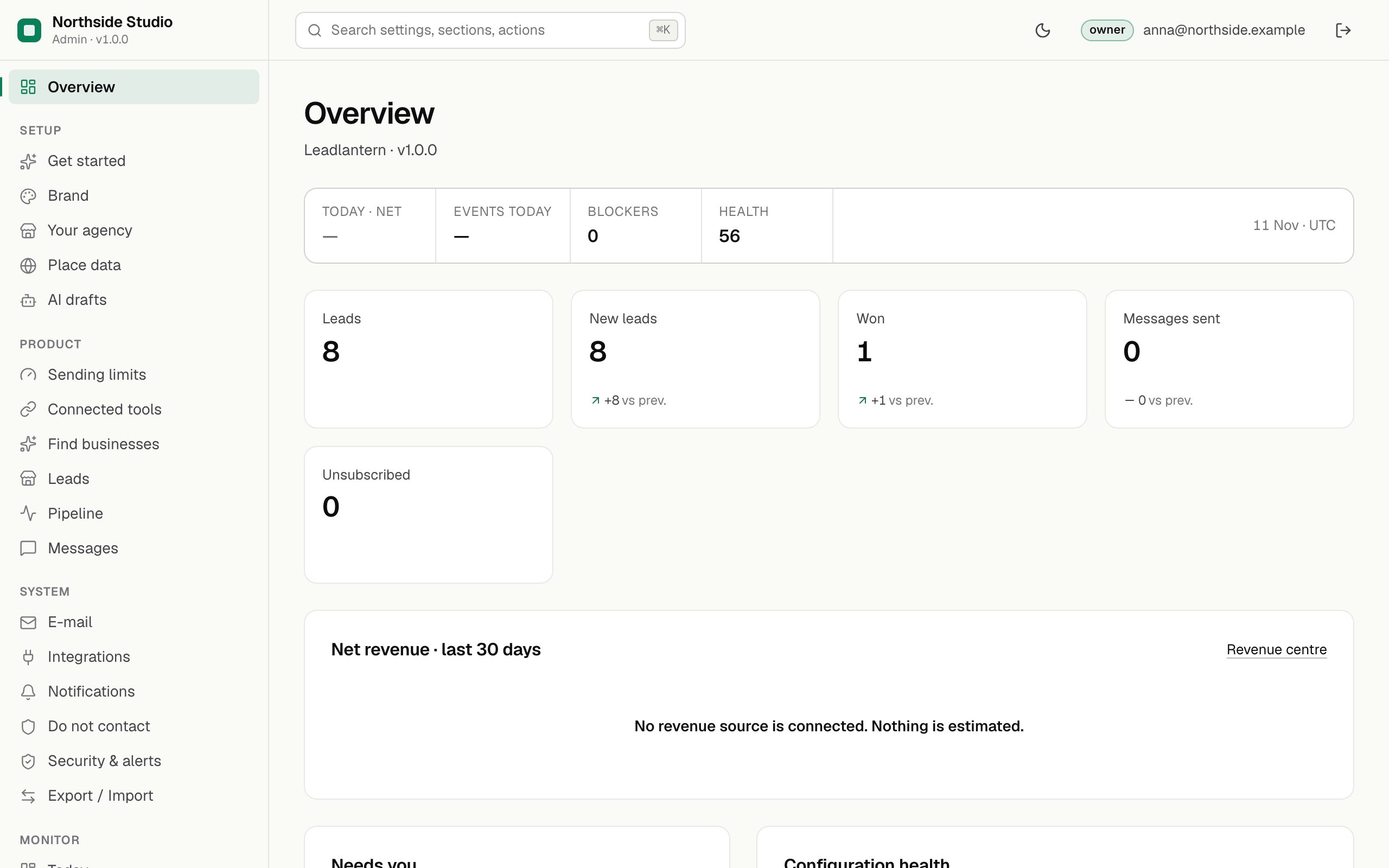
The first screen after sign-in: figures for the chosen period (Leads, New leads, Won, Won deal value, Messages sent, Unsubscribed) with the change against the period before, and the checks that still need you. Won deal value adds up the deal values typed on won leads, in the currency used most: it is what you agreed with clients, not money received.
04Get started
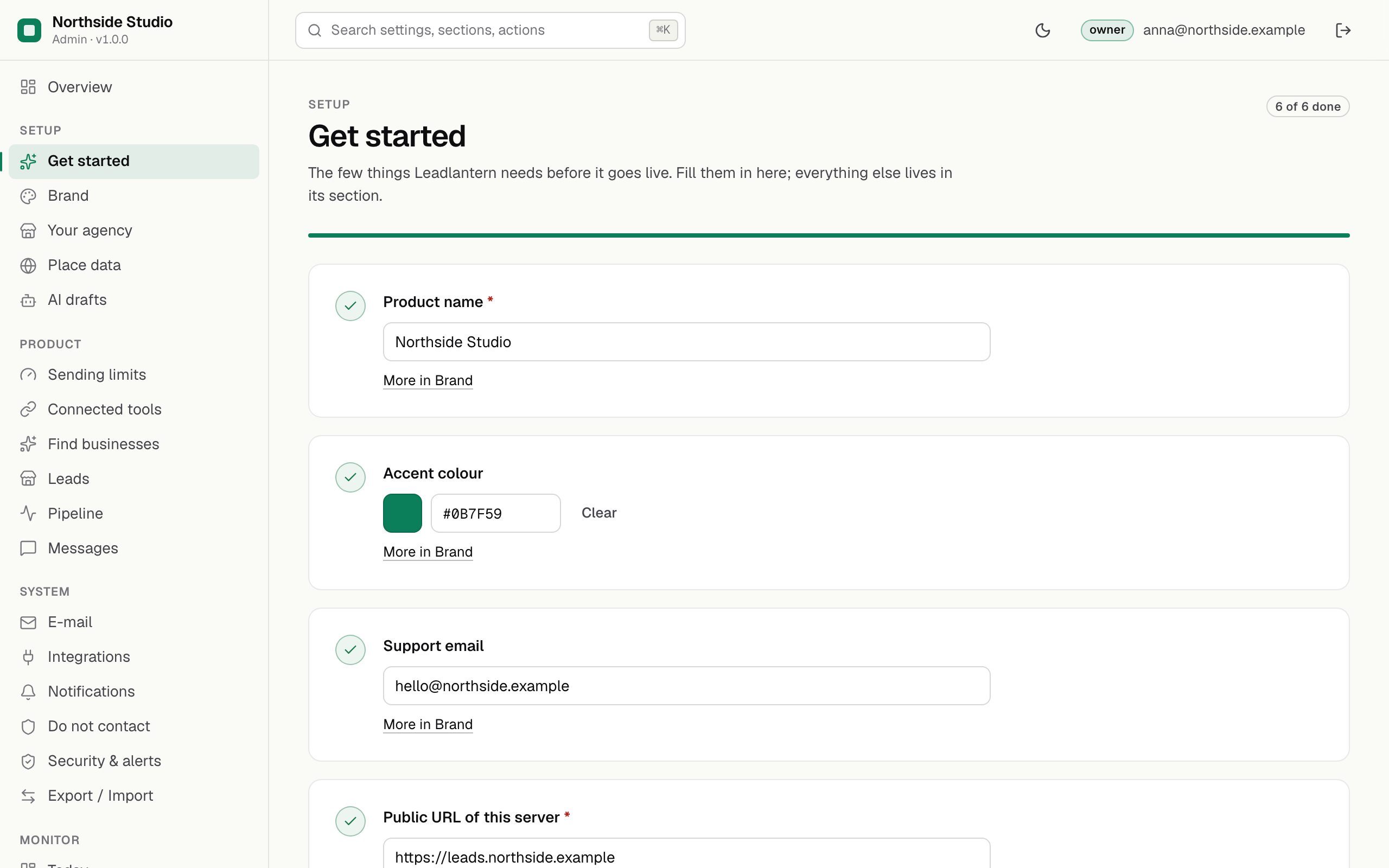
A checklist of the few settings Leadlantern needs before it goes live, each with a link to its section: product name, accent colour and support e-mail (Brand), public URL and the service you sell (Your agency), and the sender (E-mail). It cannot be marked complete while the public URL is not https.
05Work pages inside the console
Today, Find businesses, Leads, Pipeline, Messages and Do not contact are Leadlantern's own pages shown inside the console frame. Links inside them (a lead, a message) open in the same frame. A read-only role sees every page without the buttons that change something.