
● Console settings · System
Export / Import
every setting as one JSON file.
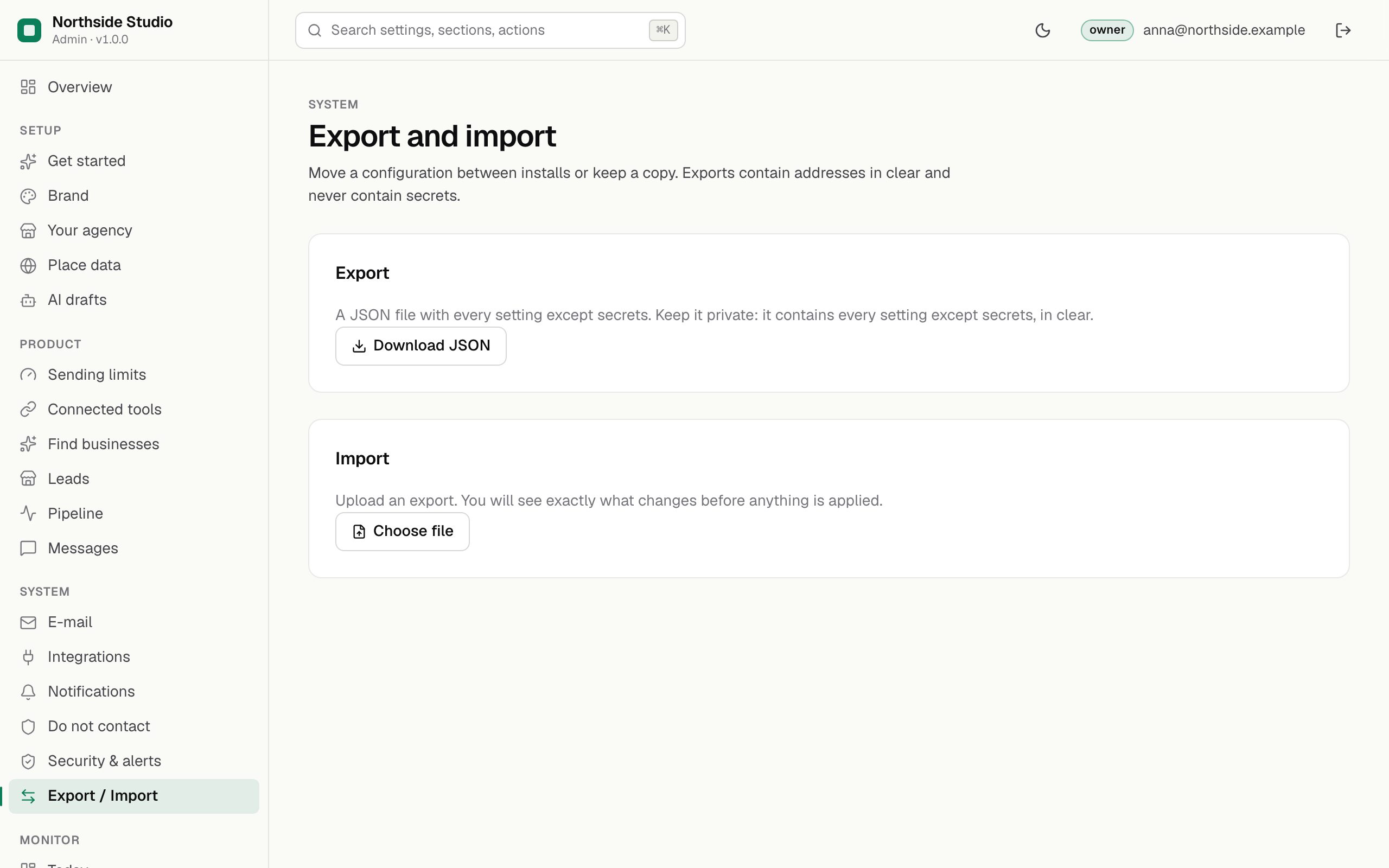
Export writes every setting into one JSON file, for a backup of your configuration or to copy it to a second installation. Import reads such a file back and shows exactly what would change before anything is applied. Keys are never in the file. Owner only.
01Export
- Open Export / Import and press Download JSON.
- Keep the file private. It holds every setting except secrets, in clear (your postal address, addresses of servers).
02The file format
A shortened example. Each key is the setting's key shown on the section pages of these docs:
{
  "format": "mikodes-admin-export/1",
  "product": "leadlantern",
  "exportedAt": "2026-11-11T09:30:00.000Z",
  "values": {
    "brand.name": "Northside Studio",
    "brand.accent": "#0B7F59",
    "brand.supportEmail": "hello@northside-studio.example",
    "leadlantern.publicUrl": "https://leads.northside-studio.example",
    "leadlantern.profile": "website",
    "leadlantern.senderName": "Anna from Northside Studio",
    "leadlantern.postalAddress": "Northside Studio Ltd\n12 Example Street\nLeeds LS1 1AA",
    "places.provider": "osm",
    "places.maxResults": 60,
    "ai.provider": "openai",
    "email.from": "Anna <anna@northside-studio.example>",
    "outreach.dailyLimit": 30,
    "outreach.gapMinutes": 3,
    "outreach.perLeadDays": 7,
    "outreach.maxPerLead": 2,
    "family.websiteBuilderUrl": ""
  }
}
The four keys under Integrations and the webhook signing secret are never written to the file. Set them again by hand on a new installation.
03Import
- Save or discard any unsaved edits in the console first.
- Press Choose file under Import and pick an export file.
- Read the preview. It lists every change (before and after), keys it does not know, keys locked by
.env(skipped) and any value that would be refused. - Apply. The change is written to the audit log; History can roll it back (History).
Leads, messages and the do-not-contact list are not part of this file: they are in the database (Backups).